Most gyms have TVs. They play cable news or random music videos. Members tune them out within a week. The screens become expensive wallpaper.
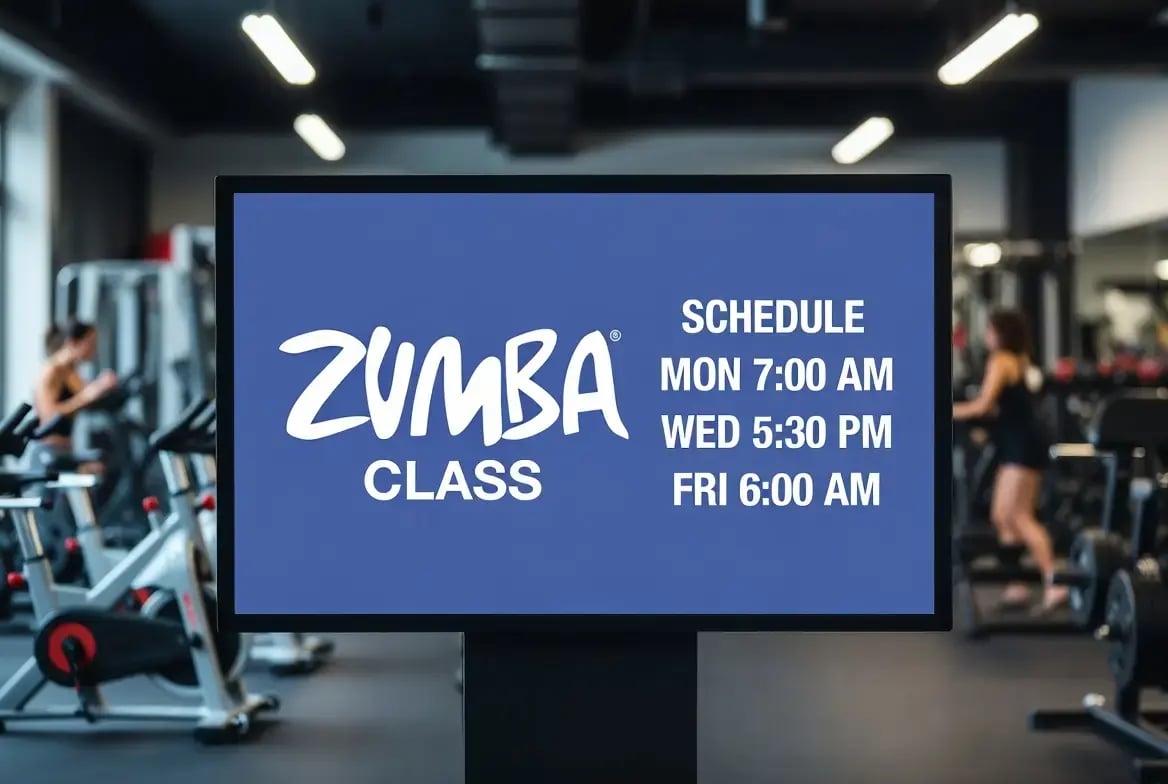
SeenLabs treats the gym as a media network. Entrance screens show today's class schedule. Cardio zone displays run motivational content and member success stories. Weight room screens explain proper form. Group fitness studios promote upcoming classes. The result: screens that keep members engaged, reduce front desk questions, and fill empty class slots.
Why Gyms Need Managed Screens
A gym member visits 2-4 times per week. Each visit is 45-90 minutes of potential screen exposure. What they see affects motivation, class attendance, and renewal decisions:
- Motivation: Success stories and workout tips keep members engaged
- Class fill rates: Real-time availability prompts fill empty slots
- PT bookings: Visual promotions increase personal training sign-ups
- Reduced questions: Self-service info (hours, policies, amenities) saves staff time
When screens run as a managed network, content updates happen from one dashboard. Class canceled? Remove it from all displays instantly. New transformation challenge? Push it to every zone in seconds.
Key Placements and Use Cases
1. Entrance / Check-In Area
- Location: Behind front desk or near turnstiles
- Objective: Orient members and promote today's offerings
- Content: Today's class schedule, upcoming events, new member welcome messages
- Role: Attract (set expectations for the visit)
2. Cardio Zone
- Location: Above treadmills, ellipticals, bikes
- Objective: Keep members motivated during long sessions
- Content: Workout tips, member transformation stories, PT promotions
- Role: Explain → Retain (motivation + upsell)
3. Weight Room
- Location: Walls between equipment zones
- Objective: Educate on form and promote training services
- Content: Exercise tutorials, "muscle of the day", personal training packages
- Role: Explain (education + upsell prompt)
4. Group Fitness Studios
- Location: Outside or inside each studio
- Objective: Fill class slots and introduce instructors
- Content: Class schedule, instructor bios, live capacity ("Spin class 80% full")
- Role: Close (book the class)
5. Juice Bar / Café
- Location: Above or behind café counter
- Objective: Drive post-workout purchases
- Content: Shake menu with nutrition info, add-on prompts ("Add creatine for $2"), supplement specials
- Role: Close (point-of-sale upsell)
The SeenLabs Stack for Fitness
SeenLabs operates as an integrator. For fitness environments, this means:
- Endpoints: Commercial displays (43"-65") rated for extended operation, video walls for high-impact zones
- CMS capabilities: Multi-zone control (different content per area), real-time schedule sync, social media integration
- Templates: Class schedule layouts, workout tip templates, transformation story formats
- Integration: Can connect to Mindbody, Zen Planner, ClubReady for schedule data
- Support: Remote monitoring, content guidance, hardware replacement
Ownership model: SeenLabs owns network behavior (uptime, sync, troubleshooting). Client owns content decisions and promotion calendar.
Implementation Frame: Pilot to Network
- Pilot scope: One location, 4-6 screens across entrance, cardio, and studios. 30-day test.
- Content kit: Class schedule template, 3-4 motivational layouts, PT promotion template.
- Governance: Marketing controls promotions. Front desk updates daily announcements. Instructors submit class changes.
- Timeline: First 30 days = pilot. Days 31-60 = measure class attendance, PT booking lift. Days 60+ = expand to additional zones or locations.
- Measurement: Class fill rates, PT booking conversion, member retention (30/60/90 day), front desk question reduction.
FAQ
Can we reuse our existing gym TVs?
Yes, if they have HDMI input. We provide media players that connect to existing displays. For high-humidity areas (near pools, saunas), we recommend commercial-grade screens.
Who manages the content?
Marketing manages promotions. Front desk staff update daily content. Class schedules can sync automatically with your booking system or update manually from any browser.
What happens if the internet drops?
Media players cache content locally. Screens keep running during outages. When connection returns, they sync automatically with any schedule changes.
Can we display member transformation photos?
Yes, with member consent. Before/after photos are powerful motivation for other members. We provide release form templates and photo upload workflows.
How heavy is this for IT?
Light. Cloud-based—no servers. IT handles initial network access. After that, marketing and front desk manage everything from a web dashboard.
Ready to turn your gym screens into retention tools?
SeenLabs assembles a pilot for one location: entrance, cardio, and studios running as one network. The first call's goal is to map your zones and define the content schedule.
Book a Consultation