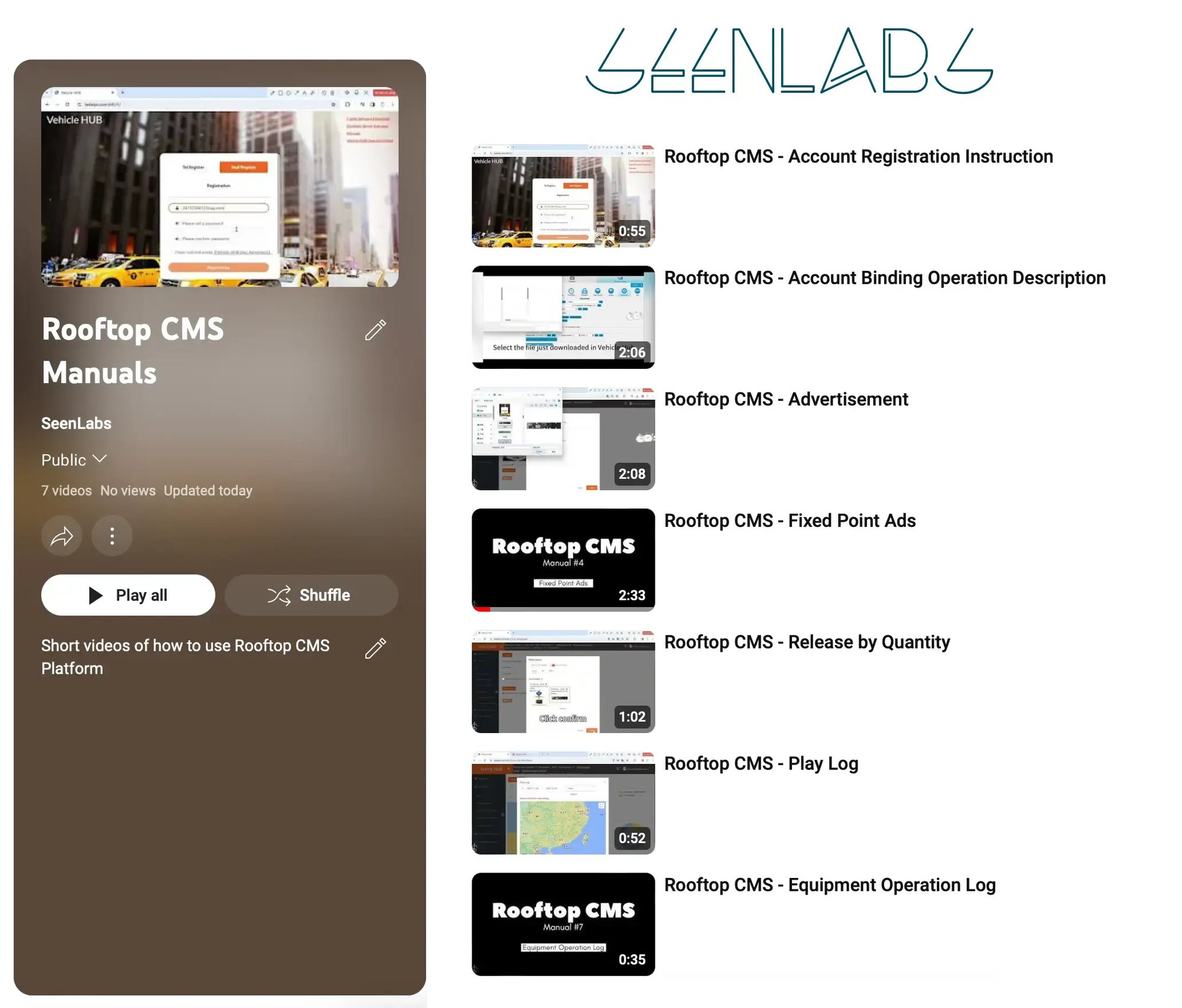
Advertisement
Fixed Point Ads
Release by Quantity
Play Log
Equipment Operation Log
Frequently Asked Questions
Do I need to watch all 7 video tutorials?
No, you can watch selectively based on your needs. Beginners should watch Manuals 1-3 (registration, binding, basic ads) first. Manual 4 (fixed-point ads) and Manual 5 (release by quantity) are for advanced users. Manuals 6-7 (logs) are optional for monitoring and troubleshooting.
Are the video tutorials available in English?
The primary interface is in English with some Chinese UI elements (legacy platform design). We're working on fully localized versions. However, the videos show screen actions clearly, making them easy to follow regardless of language. Text guides are available in English as an alternative.
How long are the video tutorials?
Each tutorial is 3-8 minutes long, totaling about 35-40 minutes for all seven. Most users complete the essential tutorials (1-3) in under 15 minutes. Videos are optimized for quick learning with timestamps for skipping to specific features.
Can I download the videos to watch offline?
Yes! Each tutorial includes a download link. Videos are provided in MP4 format (720p, 50-150MB each) compatible with all devices. This is useful for field installers who may not have reliable internet access during training.
Are text instructions available instead of videos?
Absolutely! Visit our Rooftop Hub Platform Manual for complete text-based instructions with screenshots. The manual covers the same content as the videos in written format, ideal for users who prefer reading or need searchable reference material.
What if I get stuck on a specific step in the videos?
Pause the video and rewatch the segment. Most tutorials include on-screen annotations pointing to buttons and fields. You can also refer to the text manual for detailed explanations. If still stuck, contact support@seenlabs.com with the specific manual number and timestamp.
Will these tutorials work with the updated platform interface?
Yes, the tutorials are updated quarterly to match platform changes. Video recording date is shown in the description. If you notice UI differences from your platform, check the upload date and request an updated version. We maintain backward compatibility for core features shown in older videos.
Still need help? Our support team is available via live chat, email (we@seenlabs.com), or phone during business hours. You can also access our complete documentation library for detailed troubleshooting guides.
Video Won't Play or Buffers Constantly
Check your internet connection speed (recommended: 5+ Mbps). Try lowering video quality from 1080p to 720p or 480p using the settings gear icon. If using company network, videos may be blocked by firewall - contact IT to whitelist seenlabs.com domain. Alternatively, download the video for offline viewing.
Can't Find Specific Feature Shown in Video
Platform UI may have been updated since video recording. Check the video upload date in description. For features moved or renamed, refer to the text manual which is updated monthly. Contact support with video timestamp and we'll guide you to the current location.
Downloaded Video Won't Open
Ensure you're using a modern media player: VLC (free, recommended), Windows Media Player, or QuickTime on Mac. The videos are in MP4 format with H.264 codec - standard on all devices since 2010. If download appears corrupted, clear browser cache and re-download.
Video Quality is Blurry - Can't Read Text
Click the settings gear icon and select 1080p quality (or highest available). Allow video to buffer for 10-15 seconds before playback. Enable fullscreen mode for small UI elements. If still unclear, refer to screenshots in the text manual which show full-resolution interface captures.
Need Video on Specific Topic Not Covered
We add new tutorials quarterly based on user requests. Submit tutorial requests to we@seenlabs.com with subject line "Video Tutorial Request". Include the topic/feature and current pain point. High-demand topics get priority in production queue.
Learning Tips for Video Tutorials
Best practice: Watch video once fully, then watch again while practicing in your own account (use test vehicle for experiments). Take notes of important button locations and settings. Bookmark timestamp of frequently used features. Most users achieve proficiency after watching essential tutorials 2-3 times while practicing.
Craft Your Story with Us