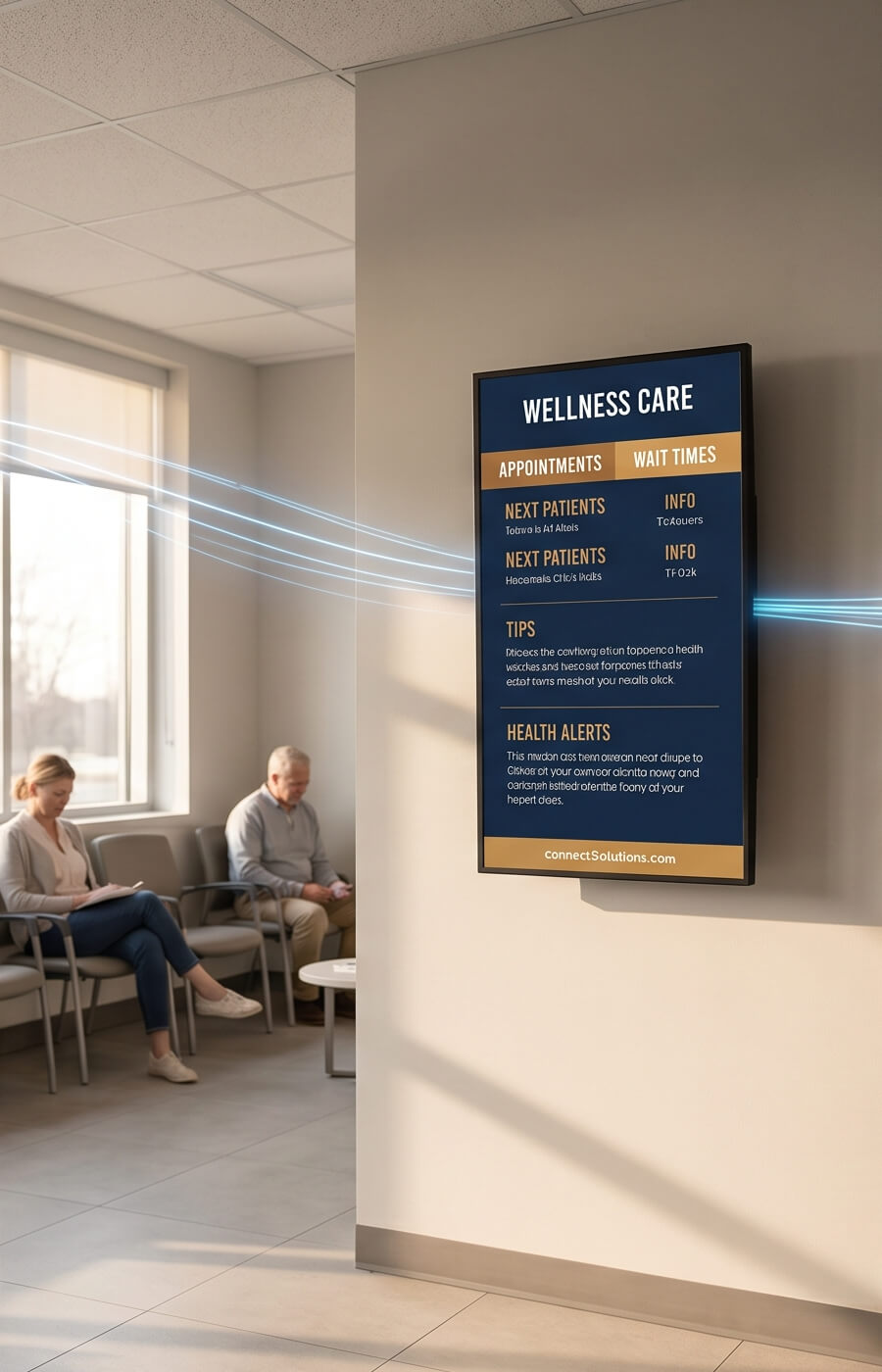
Managed Digital Signage—Without the Screen-by-Screen Overhead
Most signage networks don't fail because the screens are bad. They fail because no one owns the work between the screens. SeenLabs runs the full stack for US multi-site operators: commercial hardware, install, remote monitoring, content operations, and field service we arrange. One vendor, one invoice, one person to call when a screen goes dark in a store you've never visited.
The unspoken cost of running signage yourself at 5, 50, and 500 screens
At five screens, a self-managed network is genuinely cheaper. A marketing coordinator updates the playlist on Friday, the IT team reboots the player when it freezes, and the lobby looks fine. The model works because the work is small and visible.
At fifty screens spread across fourteen locations, the same model quietly stops working. Nobody notices when the screen at the Tulsa branch has been showing a black rectangle for six days, because no one drives to Tulsa. The Yodeck invoice has tripled, but nobody renegotiates because the contract is on autopay. The marketing coordinator who knew the CMS left in March, and the person who replaced her treats the signage tool as somebody else's problem. The screens still light up; the program has stopped.
At five hundred screens, you cross a different line: the signage program becomes an unmanaged liability. Real customer-facing rooms display content scheduled for a campaign that ended two quarters ago. Service tickets pile up because no one owns them. Operators who ran signage at this scale describe the moment they realized they had to either staff a dedicated signage team or hand the whole stack to a provider. The DIY math stopped pencilling out somewhere around screen 30, but they didn't have language for it until screen 200.
The pattern we hear most often: "The hardware works. The CMS technically works. But nobody owns what happens between Tuesday and Friday, and the network slowly stops being a marketing channel."
Definition
What managed actually means at SeenLabs
"Managed digital signage" is a phrase several vendors use to mean very different things. For some, it means a CMS subscription with a higher support tier. For others, it means a content-creation add-on. We use the term in its operational sense: SeenLabs takes ownership of the four work streams that actually break in self-managed networks.
One named contact who knows your network — screen status by location and the content schedule in one place.
Hardware operations. We source commercial-grade displays and media players matched to the use case—menu boards, lobby screens, wayfinding, employee comms, window displays, table tents. We own the specification, the install, and warranty handling. Stock units ship from our Los Angeles warehouse in days; custom builds run 4–6 weeks from the factory. If a player fails under warranty, we handle the replacement, not you. More on why commercial-grade hardware matters at multi-site scale.
Monitoring and field service. Screens report their status back to us, so an offline player at a remote branch surfaces on our side rather than waiting for a manager to phone it in. Most faults—a frozen player, a dropped network handshake, a firmware issue—we clear remotely. When a unit genuinely needs hands on it, we arrange the site visit through our installer network and agree the window with you as part of the service scope. We'd rather write a response commitment into your contract than publish a number we can't hold in every zip code.
Content operations. We design, schedule, and refresh playlists on an agreed cadence—monthly, weekly, or campaign-driven—produced in-house or through our partner design studio. Your marketing team submits intent; we handle production. Every asset is versioned, every schedule is auditable, and the workflow is documented so an in-house team can absorb it later if you want to.
Account ownership. One named contact who knows your network, not a ticket queue. One bill covering hardware, software, content and support. The point isn't that nothing ever goes wrong—it's that when something does, there is a name and a phone number.
Four things managed actually fixes
Built around the four failure modes of self-managed signage
Every point below maps to a pain we've watched operators run into across multi-branch deployments. None of this is theoretical.
01 · Remote downtime
You find out from us, not from a district manager
A screen at a remote site can be black for days before a manager notices, and longer before someone drives out to reboot it. Most operators discover the problem only when a regional VP visits the location and sees a dark display behind the counter. By then the network has been delivering zero impressions for a week.
Every player we deploy reports its status back to us. When one stops reporting, it shows up on our side, not in a complaint email. Most faults clear remotely—a forced reboot, a network handshake, a firmware push—and the screen is back before anyone on your team opens a ticket. When a unit needs hands on it, we schedule the visit with you and handle the installer. See our downtime model for how we cost this out.
Self-managedNobody is watching. The clock starts when a person happens to walk past the screen.
With SeenLabsScreens report in. Most faults cleared remotely; site visits scheduled and managed by us.
02 · Pricing predictability
One invoice instead of four line items that compound
Per-screen CMS subscriptions look cheap at five screens. At fifty, the software line crosses the hardware line. At one hundred, it dominates the budget. The operators who get burned worst aren't the ones who picked an expensive CMS—they're the ones who picked a cheap per-seat CMS and then scaled past the break-even point without renegotiating.
We quote the managed stack as one number: hardware, software, monitoring, content operations and support in a single monthly line, scoped to your footprint rather than metered per screen. Contracts are month-to-month, so the line is defensible to finance and cancellable if it stops earning its keep. The turnkey ROI breakdown works through the math, and current numbers live on the pricing page.
Self-managedRoughly $15–$30 per screen per month for CMS alone, multiplied across the fleet, plus install, plus support hours.
With SeenLabsOne monthly figure covering hardware, software, monitoring and content ops. Month-to-month.
03 · Content continuity
The program survives the person who set it up
Most signage networks degrade the day the one person who knew the CMS gives notice. The asset library has folder names only she understood. The scheduling logic lives in her head. Two months later the screens are still on, but they're showing last quarter's promotion to a confused regional manager.
We run content as a service—scheduled updates, seasonal refreshes, design QA—and we document every workflow. Every playlist, every approval flow, every brand template is written down. If you decide three years in that you want to bring content operations in-house, you get a working manual, not a black box. We've written about how content continuity affects ROI measurement when you're trying to attribute lift to a channel that goes dark unpredictably.
Self-managedContent goes stale within a year of the original owner leaving, and nobody notices for another quarter.
With SeenLabsAgreed refresh cadence, a named contact, and a documented handoff path if you take it in-house.
04 · No vendor lock-in
The hardware is yours and the contract is month-to-month
Most signage vendors win the deal and then lock you into their proprietary player, so the next migration costs more than the original install. The marketing team picks them because the pitch deck looks good. Three years later, IT realizes there's no exit path that doesn't involve buying the fleet a second time.
Our management layer works across major commercial display brands and the main media player families. Hardware is yours from day one—not leased, not contingent on the service contract. Content libraries, playlists and scheduling logic are exportable in standard formats, and the agreement runs month to month. We treat that as a sales advantage, not a risk: if the next vendor can serve you better, our job is to make the handoff clean.
Self-managedProprietary player plus proprietary CMS means replacing the fleet to switch vendors.
With SeenLabsYou own the hardware, the content exports, and a contract you can end at the end of any month.
Side by Side
DIY, generic vendor, and managed: where the gaps actually live
The honest comparison isn't "managed is better." It's that the three operating models break in different places, and the right choice depends on which failure mode you can absorb. The fuller commercial logic lives on the turnkey comparison page.
Dimension
DIY / Self-Host
Generic Vendor (Yodeck, ScreenCloud)
SeenLabs Managed
Offline screens
Detection depends on someone noticing.
Email support, business hours. No field component.
Players report status to us; response commitment written into the contract.
Monitoring
Not standard. Optional via third-party tools.
Status dashboard you have to check yourself.
We watch it. You get told, you don't have to look.
Content operations
Internal staff time. First to slip when priorities change.
Self-serve CMS only. You produce, schedule, QA.
Agreed cadence with design included, in-house or via our partner studio.
Hardware sourcing
You spec, you procure, you warranty-track.
Optional add-on; usually consumer-grade options.
Commercial-grade, specced and warranty-handled by us. LA stock or custom build.
Install and field service
Third-party AV contractor per site.
Not included. You hire installers.
Arranged by us through our installer network, on one purchase order.
Pricing model
CapEx hardware + per-seat CMS + variable support hours.
Per-screen monthly fee + add-ons that compound.
One monthly figure scoped to your footprint. Month-to-month.
Training and handoff
Tribal knowledge. Walks out the door with each hire.
Generic help docs. No personalized handoff.
Documented playbook, named contact, in-house transfer path.
Account ownership
Diffused across marketing, IT, ops.
Ticket queue. No named owner.
One named contact and one escalation path.
Exit path
You own everything; portability is the upside.
Player and CMS often locked; export is partial.
Hardware yours, data exportable, contract ends at the end of any month.
Best fit for
1–5 screens, single location, technical operator.
5–20 screens, operator who wants to self-manage at scale.
Multi-site operators where a dark screen has a cost.
Where we work
What we've actually deployed
Client names are under NDA, so the descriptions below are deliberately generic. The formats, states and hardware are not.
Multi-location
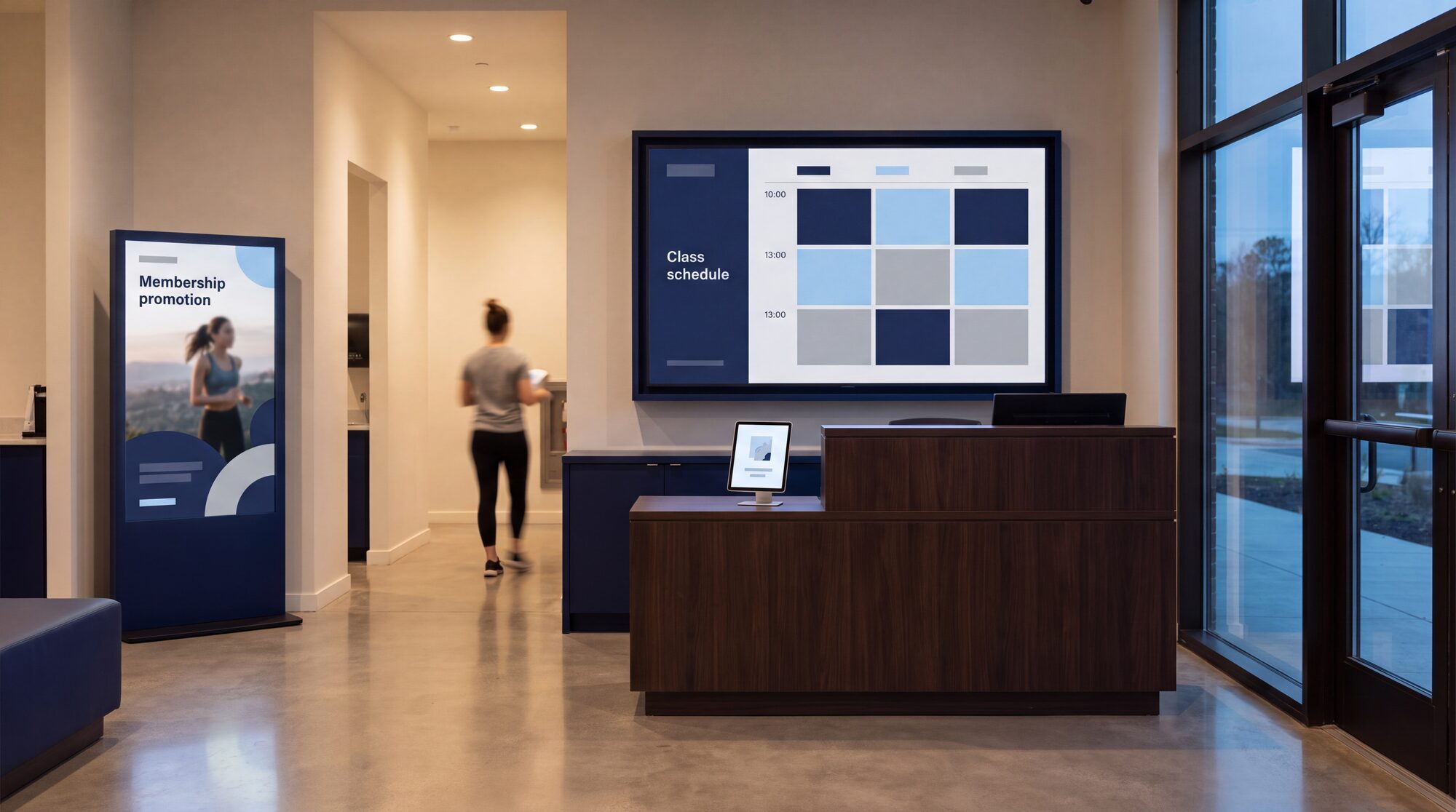
Fitness chain, turnkey network
Indoor screens, window displays, reception and spa table tents
One network across multiple clubs
Content produced and scheduled by us
Mixed formats on a single management layer
Columbus, OH
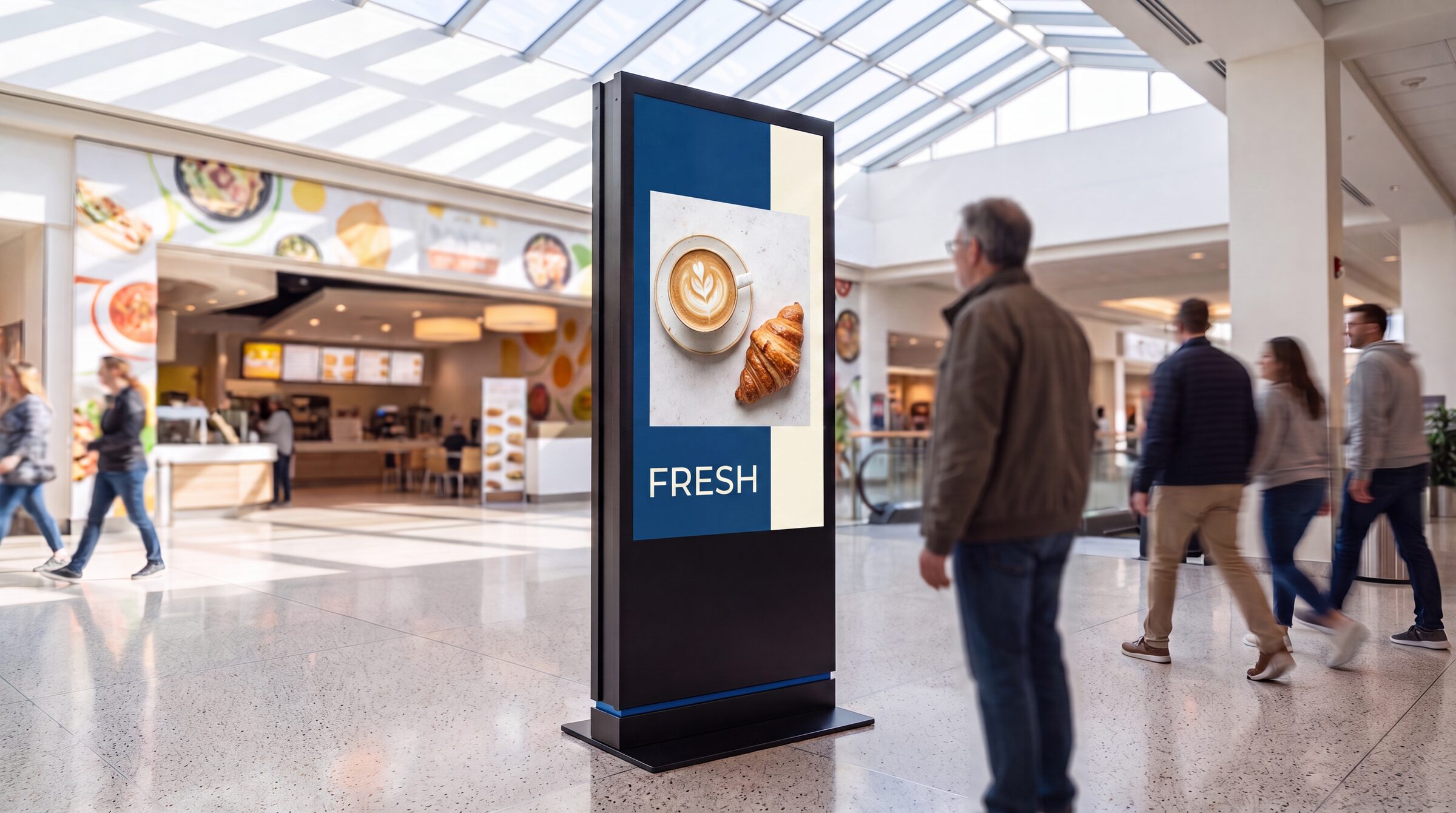
69" floor-standing display
Regional trade center, food court concourse
Large-format freestanding unit in a high-traffic public space
Specified, built and installed as a single delivery
Content managed remotely after handover
CA · FL · SC · TX
Restaurants, retail, corporate
Individual sites and small fleets
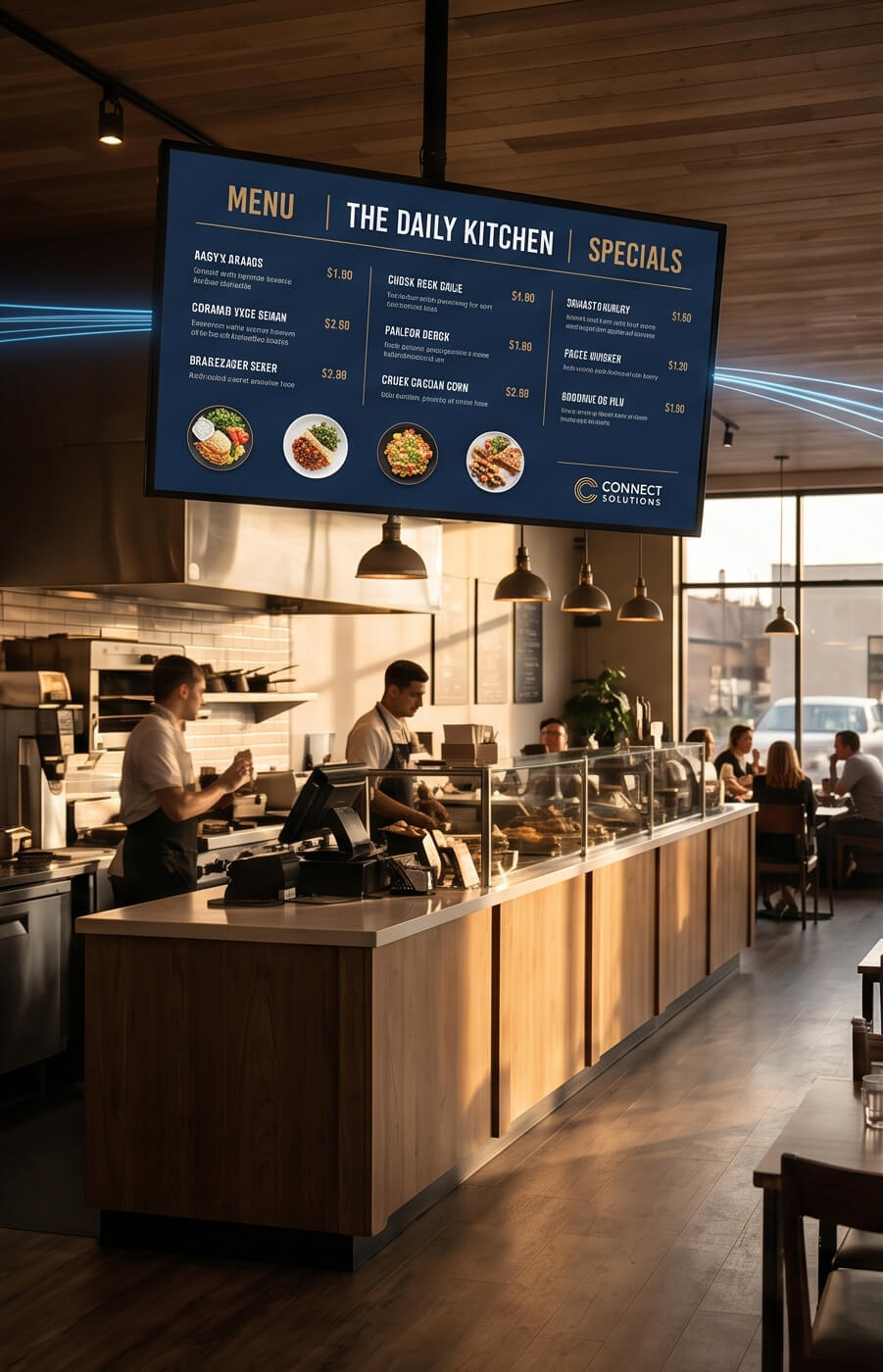
Menu boards, lobby screens, internal comms displays
Stock units shipped from our Los Angeles warehouse
Custom builds produced to spec in 4–6 weeks
Fitness chain deployment: wall screen, floor-standing display and table tents on one managed network.
We also ship hardware without the management layer when that's what the client needs—most recently a rooftop LED system to a customer in North Carolina. Not every screen needs a managed program, and we'll tell you when yours doesn't.
Where this comes up
Three situations that bring operators to us
These are the shapes of the conversations we have, not case reports. If one of them reads like your network, the consultation will be short and useful.
Restaurant group
Menu boards across a dozen stores, one IT generalist
Menu boards run on a per-screen CMS, and a part-time installer gets called when something breaks. The IT generalist patches screens between his real responsibilities. A quarterly price change takes weeks to roll out and always misses a couple of stores, so the printed insert stays taped to the counter as a backup.
What managed changes: price changes go out once, from one place, and someone other than your IT generalist confirms every store took them.
Healthcare network
Waiting rooms where content has to be approved
Every asset has to clear corporate communications, and anything past its review date is a policy problem. Nobody can answer the question "what is playing in the Ridgeview lobby right now" without calling the site. The screens are technically working and nobody trusts them.
What managed changes: every asset versioned with a schedule you can audit, and one policy applied across all facilities instead of per-site improvisation.
Retail franchise
Four vendors inherited through acquisitions
Several signage vendors across the estate, two or three CMSes, more than one media-player generation, and no way to push a single campaign to everyone. National promotions land on part of the network and marketing has stopped counting which part.
What managed changes: one management layer over the hardware you already own, so a campaign goes out once and you can see where it landed.
Due diligence
What IT and procurement ask before sign-off
The marketing team decides they want screens. IT decides whether the project happens. These are the two questions that come up on every technical call, answered before you have to ask.
Integrations & workflows
How it fits what you already run
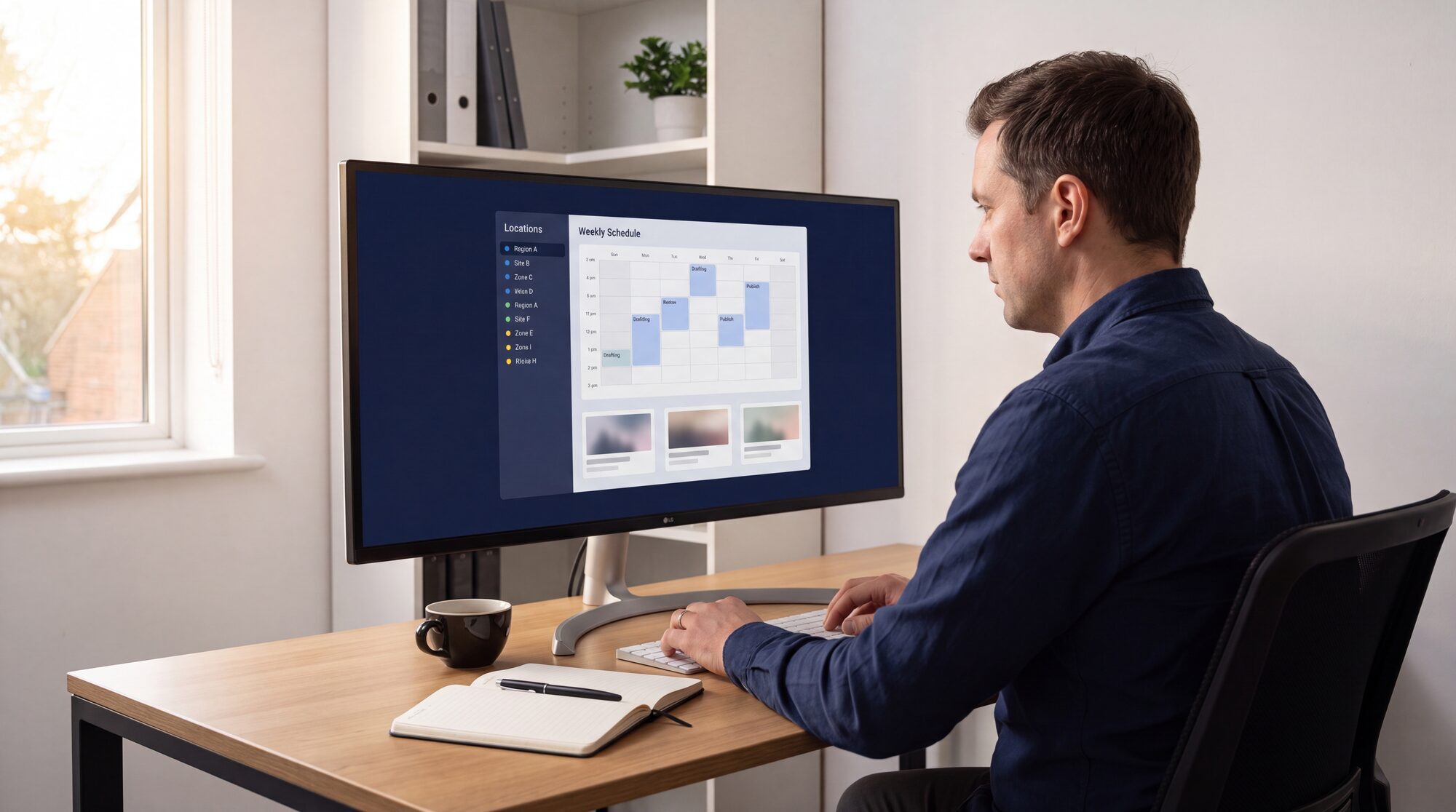
Scheduling. Multi-location dayparting and campaign windows through the Multi-Scheduler, so a lunch playlist in one time zone doesn't force a separate schedule everywhere else.
Data sources. Calendars, dashboards and announcements pull in through widgets and web sources rather than being re-exported as images every week — including the calendar widget for room and event displays.
Operations. Role-based updates with content approvals where your policy requires them, so a store manager can change a local promo without being able to touch national creative.
Hardware flexibility. Licensing is per player, and a single player can drive multiple screens through a splitter where the layout allows it — which changes the licence count, not just the cable run. More on integrating signage with POS and internal systems.
Security & reliability
What happens when something goes wrong
Panels rated for the duty cycle. Commercial-grade displays are built for 16/7 or 24/7 operation and avoid the heat and image-retention failures that consumer sets develop when they run all day. This is the single most common cause of a first-year replacement.
Playback survives the network. Content is cached on the player, so an intermittent connection at a remote site doesn't produce a black screen — the playlist keeps running and re-syncs when the link returns.
Remote management instead of truck rolls. Updates, firmware and configuration changes are pushed centrally, which is what keeps a multi-site fleet from generating a site visit every time something needs changing.
Auditability.Proof-of-play and scheduled reports are available where compliance or an advertiser contract requires evidence of what actually played, and when.
For your RFP
Digital signage requirements checklist
Copy this into your RFP or use it to compare quotes. It's the list we work through on a scoping call, and the items vendors most often leave undefined until after the contract is signed.
Line item
What to specify
Display class
Commercial-grade, brightness for the location (roughly 500 nits indoors, far higher behind glass), and the duty cycle you need — 16/7 or 24/7.
Mounting and power
Bracket type per site, cable routing, and whether a circuit already exists where the screen is going.
Network
VLAN or an isolated SSID, available bandwidth per site, and whether QoS is needed on a shared link.
Devices and licensing
Screen count by format, one player per screen or a splitter, and how the licence count follows from that.
CMS
Playlists, approval flow, multi-site scheduling and dayparting, proof-of-play reporting.
Support
Standard versus extended 24/7 cover, and what the replacement commitment actually is in writing.
Budget lines
Hardware, installation, CMS licences and content operations as four separate numbers — a single blended figure hides where the cost will grow.
Pilot
Two or three sites over 30 days, measured on uptime and playlist completion before the rollout decision.
Lead times and stock availability are on the delivery page; what's included in every deployment is on the services page.
Pricing
How a managed program gets priced
We don't publish a per-screen list price, because the variables that actually move the number—display size and brightness, how often content changes, how many sites, what response commitment you need, whether we're integrating with your systems—shift it too much for a list price to be useful to you.
What we can tell you before a call: the managed program is quoted as one monthly figure covering hardware, software, monitoring, content operations and support; the agreement is month-to-month; and hardware is yours rather than leased. Standard hardware and service pricing is published on the pricing page, and the services page lists what's included in every deployment and what's available as an add-on module.
"Most digital signage projects fail in year two—when the deployment champion leaves. Managed isn't a service tier; it's an answer to that turnover problem. The job is to make the program survive the person."
Vahagn Ter-Sarkisyan · CEO, SeenLabs
See whether managed makes sense for your network
A 30-minute consultation. We look at your site count, your current stack, and what a dark screen costs you, then tell you whether a managed program will pay back or whether you should stay self-managed. No deck, no pitch.
A full-service model where one vendor owns the hardware, install, software, monitoring, content updates and support for your screen network. You pay one provider on a monthly basis instead of stitching together a media player vendor, a CMS subscription, an installer, and an internal content owner.
How is managed digital signage different from DIY or self-hosted?
DIY means you buy commercial displays, license a CMS, and assign updates to a marketing or IT person. It's cheaper on paper and breaks at scale, usually at the point where nobody can see whether a remote screen is on. Managed puts monitoring, field service and a named contact on the vendor's side of the line. Full breakdown here.
What does a managed program cost?
It's quoted as one monthly figure scoped to your footprint rather than metered per screen, because display size, content cadence, site count and response commitment move the number too much for a list price to help you. Standard hardware and service pricing is on the pricing page; the managed figure comes out of a 30-minute scoping call.
What is included in a SeenLabs managed package?
Commercial-grade displays and media players, on-site install, CMS licensing, remote monitoring, content design and scheduling, firmware and security updates, field service arranged through our installer network, and a named US-based contact. Hardware is yours, not leased, and there are no per-screen software fees stacked on top.
Which types of screens and formats do you support?
Yes. The management layer supports most commercial display brands and major player families. A migration includes a content audit, network discovery and a phased cutover, typically over a few weeks depending on site count. If your current player is proprietary and locked, we replace it during migration rather than locking you into ours. See how we handle vendor handoffs.
What does onboarding look like?
Site survey and network audit first, then hardware staging and content template buildout, then install batched across locations so you're not disrupting every site in the same week, then a handover of monitoring and account ownership. Stock hardware ships from Los Angeles in days; custom builds add 4–6 weeks. Larger fleets go in waves.
Do you support a custom CMS or only your own?
Both. SeenLabs ships its own managed CMS, but the management layer is content-system agnostic. If you already license Yodeck, ScreenCloud, BrightSign Network or a custom internal CMS and the contract is healthy, we can wrap monitoring and field service around it. If your existing CMS is the bottleneck, we'll recommend migrating, but it isn't a condition of working together.
What happens if we want to leave?
The agreement is month-to-month. Hardware is yours from day one, not leased. Content libraries, playlists and scheduling logic are exportable in standard formats, and the CMS account transfers to you. We treat a clean exit as a sales asset, not a liability.
Ready to look at the numbers?
Book a 30-minute consultation. We'll review your site count, current stack and downtime exposure, and give you a clear read on whether a managed program pays back for your network. If it doesn't, we'll say so.