Why Museums Need Digital Signage
Modern visitors expect engagement. Digital signage allows you to tell deeper stories while retaining the sanctity of the physical artifacts.
Dynamic Labels
Update exhibit descriptions, rotate language options, or add historical context instantly without reprinting wall plaques.
Visitor Flow
Prevent bottlenecks. Show wait times for popular exhibits and guide visitors to less crowded galleries.
Accessibility
Offer high-contrast modes, larger text, and audio descriptions to make culture accessible to everyone.
Deep Engagement
Interactive kiosks allow visitors to zoom in on details, watch restoration videos, and explore artist backstories.
The Living Exhibit
Static plaques are passive. Digital labels allow you to tell the full story—showing artist interviews, restoration time-lapses, or historical context videos right next to the artifact. Deepen engagement without cluttering the wall.
Critical Touchpoints
Entrance / Lobby
Purpose: Welcome, ticketing, and setting expectations.
Hardware: Large Professional Display (55"+)
Content: Today's highlights, ticket pricing, museum map, visitor guidelines.
Gallery Entrances
Purpose: Introduce the exhibit theme and context.
Hardware: Professional Display (Portrait or Landscape)
Content: Exhibit name, artist biography, historical period, estimated viewing time.
Within Exhibits (Interactive)
Purpose: Deep dives and exploration.
Hardware: Touchscreen Kiosks
Content: Artifact details, high-res zoom, curator interviews, related works.
Rest Areas / Cafes
Purpose: Recharge and cross-promote.
Hardware: Standard Displays
Content: Upcoming events, membership benefits, cafe menu specials.
Gift Shop
Purpose: Drive revenue at the end of the visit.
Hardware: Digital Table-Tents
Content: Featured exhibit merchandise, catalogs, "Member discount" reminders.
Recommended Hardware
Hardware that respects the art. Sleek, unobtrusive, and capable of high-fidelity visual reproduction.
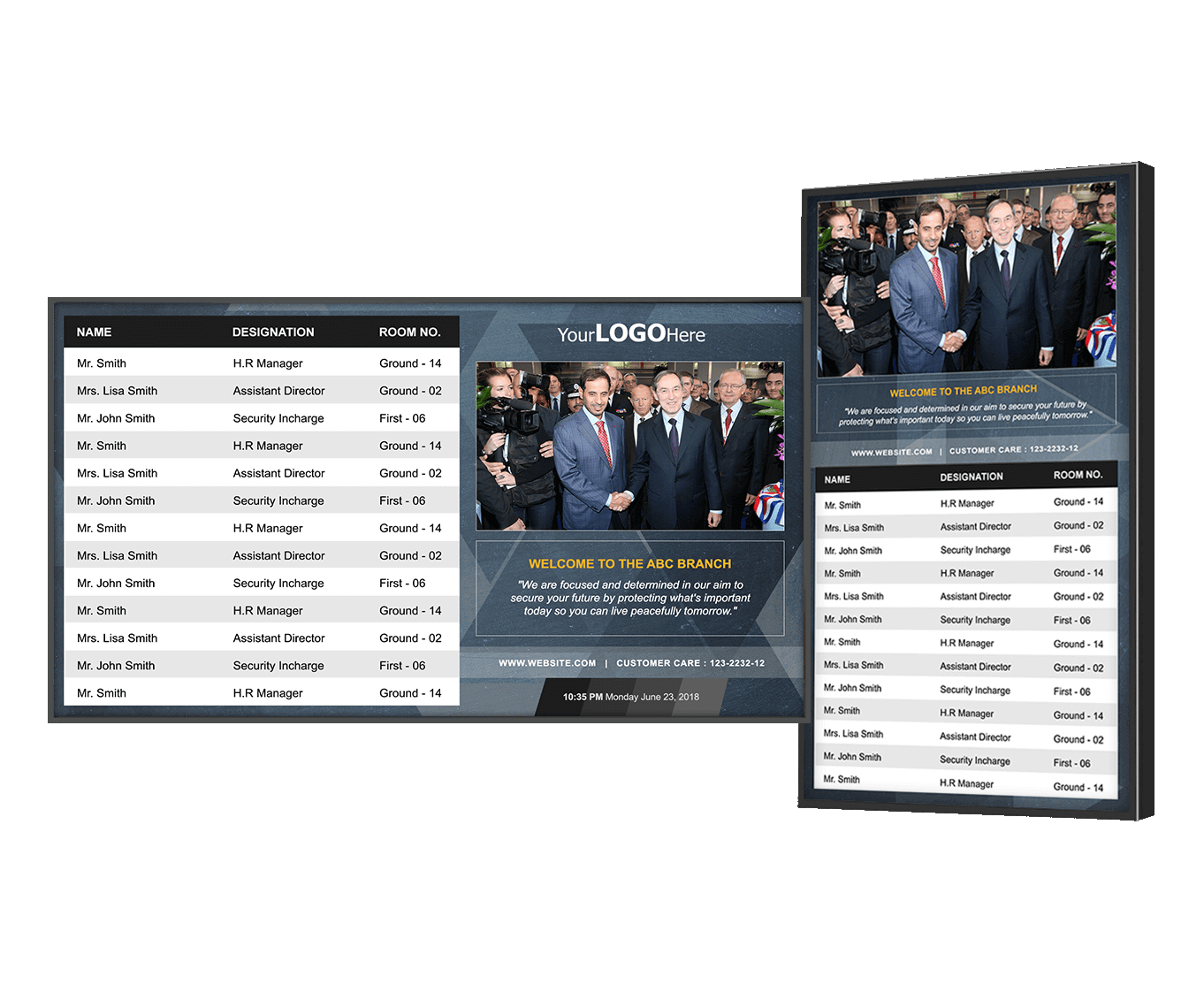
Professional Display (Matte Finish)
Best for Lobbies & Gallery Entrances. Anti-glare screens that remain visible without reflecting spotlights. Slim bezels blend into the architecture.
View products →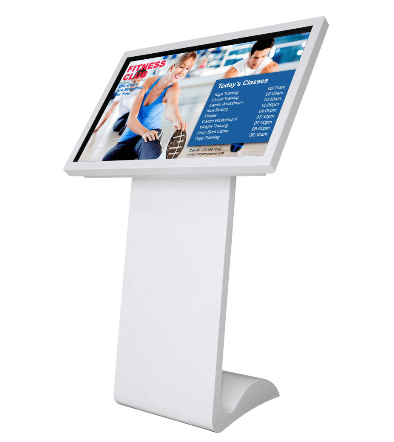
Interactive Kiosk
Best for Exhibit Interaction. Durable touchscreens at wheelchair-accessible heights. Perfect for "deep dive" content stations.
View products →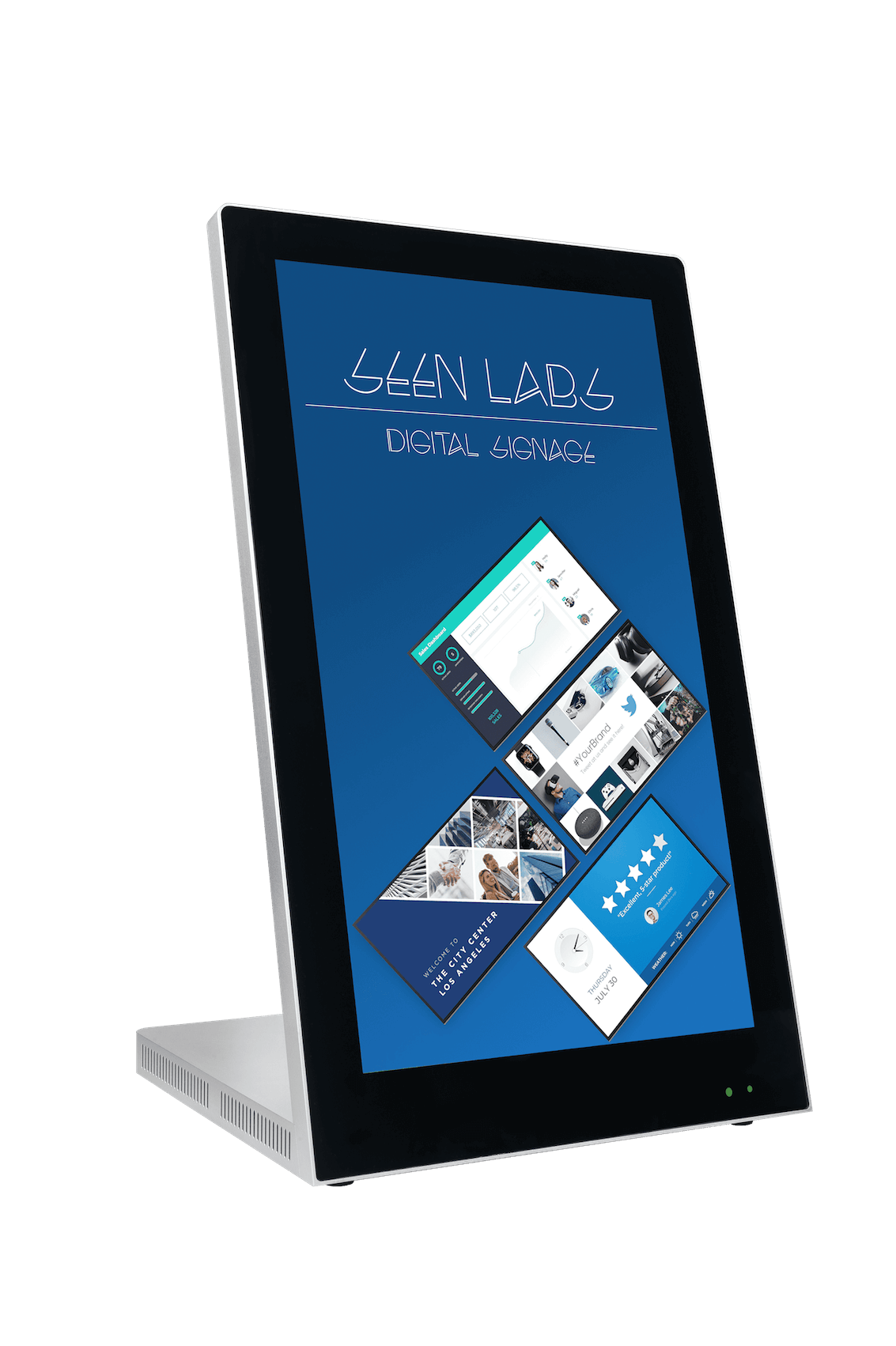
Digital Table-Tent
Best for Gift Shop & Cafe. Small footprint displays for counters. Ideal for promoting point-of-sale items.
View products →Content Strategy
| Content Type | Purpose | Update Frequency |
|---|---|---|
| Wayfinding | Maps, restroom locations | Low (only with layout changes) |
| Exhibit Labels | Context, history, artist bio | Medium (per exhibit rotation) |
| Events | Lectures, tours, openings | High (Weekly/Daily) |
| Promotional | Membership, gift shop sales | Medium (Monthly) |
Inclusivity & Accessibility
Digital signage is a powerful tool for making museums accessible to all audiences.
- Multilingual: Let visitors toggle languages on kiosks, or rotate languages on passive displays.
- Text Size: Provide options for large text descriptions for visually impaired guests.
- Audio: Integrate headphone jacks or QR codes for audio descriptions of visual art.
Design Considerations
Museums have unique aesthetic constraints. We understand that the screen should never compete with the art.
Minimal Intrusion
We use low-profile mounts and hide all cabling to ensure a clean, gallery-quality installation.
Lighting Control
Screens can be scheduled to dim automatically in lower-light galleries to avoid creating glare or distraction.
Brand Harmony
Content templates are custom-designed to match your museum's fonts, colors, and tone — not generic stock slide designs.
Flexible Deployment
Permanent Collection
Fixed installations designed for longevity. Content is updated less frequently, focusing on evergreen educational value.
Traveling / Temporary
Modular screen setups that can be reconfigured for each new exhibit. Templates allow for quick content swaps as exhibits rotate.
ROI for Museums
Measurable Impact
Ready to Enhance Your Visitor Experience?
Get a signage plan that respects your cultural mission while engaging modern visitors.