Digital signage shows retailers the latest deals and product information. It only works while the content is current: outdated or generic slides get ignored.
A screen behaves like a blog or a social media profile: viewers stop looking when nothing changes. The work is deciding what content your audience responds to and updating it without extra effort.
Five habits keep a retail screen current.
Build a content calendar
A content calendar sets what plays, for how long and how often it changes, so nobody edits slides by hand for each season or event. Start with the goal of the content (for example, move a clearance rack), then the customers who pass the screen, then an update frequency. Some stores change content several times a day.
Schedule timely promotions
Plan for both evergreen content and promotions tied to seasons or sale periods such as Black Friday. Countdowns and sneak peeks can preview a product launch or a sale. A screen placed next to a promoted product can point to accessories or related items for cross-selling.
Add live media
Social media feeds, customer photos and weather updates give the screen something new without manual work, because the feeds refresh themselves.
Use dynamic templates
Dynamic templates are layouts that read data from a connected system, such as a price list. When a price, image or special changes in the source, the screen updates without anyone editing the slide.
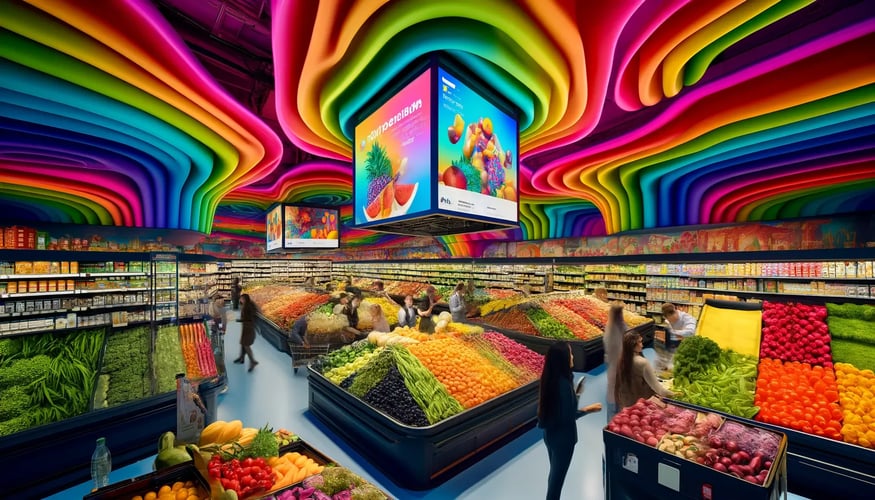
Keep updates simple
Complex animations and many simultaneous elements make updates slow and distract from the message. Prefer simple changes you can repeat every week.
Keep your signage fresh
Talk to SeenLabs about content calendars, live media and dynamic templates for your stores.
Frequently Asked Questions
Why does content go stale on retail digital signage?
Shoppers ignore slides they have seen before. Treat the screen like a social media account: it needs new material, such as new deals and seasonal info. Match the content to what customers expect at that time and in that location.
What is a content calendar and how does it help?
A content calendar is a schedule for what goes on your screens and when. It makes you plan ahead (holidays, promos, new product launches) and automates routine updates. For example, you can schedule a two-week sale banner well ahead instead of building it the night before.
How can I include timely promotions in digital signage?
Build flexibility into your plan. Besides evergreen content, set aside space for limited-time offers tied to events or seasons. Countdown timers, "sneak peek" teasers and callouts next to promoted items work. A retailer might run a flash sale or show accessories near an on-sale product, with a line such as "2 hours left on this deal" updated in real time.
How do live media and dynamic templates reduce manual updates?
Live media (social feeds, weather, customer photos) refreshes on its own. Dynamic templates connect to backend data, such as a database of prices or inventory, and change the screen when the data changes. A new price or product image appears on the sign without anyone editing it.
How do I balance creative content with simplicity?
Use strong visuals and a simple setup. A bold "New Arrivals" slide works; many simultaneous animations confuse viewers. Choose templates that look good and need no technical tinkering each day.
